SERI BAG / DESIGN WITH AI
MCP design
Use your favourite AI tool to explore colours and artwork across our three bag shapes. Connect to SERI BAG MCP for product references and manufacturing rules that give your idea a clear starting point.
01 / CONNECT
Your idea. Our bag-making rules.
Connect your AI assistant to our MCP. It can read bag references, check your colour and artwork choices, and prepare a design brief for sampling.
SERI BAG MCP
Streamable HTTP · Public product references and design rules. This connection needs no API key or WordPress account.
Choose your AI tool
One connection, the same bag references and design rules. Choose the tool you already use.
Codex
Local app or editorAdd a Streamable HTTP server in your app’s MCP settings, or use the command below with Codex CLI installed.
Or edit ~/.codex/config.toml
Run codex mcp list, then open a new conversation. You can also check the connection with /mcp in Codex CLI.
Codex setup guideClaude Code
Local app or editorRun this command from your project folder with Claude Code installed. It adds an HTTP connection for this project.
Open Claude Code and use /mcp to check that seri-bag-design is connected.
Claude Code setup guideCursor
Local app or editorAdd this to .cursor/mcp.json in your project. If the file already exists, merge the server entry into mcpServers.
Enable seri-bag-design in Cursor’s MCP settings, then open an Agent conversation.
Cursor setup guideVS Code / Copilot
Local app or editorFor Copilot sessions, add this to .mcp.json at the project root. If the file exists, merge the server entry into mcpServers.
VS Code configuration (.vscode/mcp.json)
Open Copilot in Agent mode and enable seri-bag-design in the available tools. Use one configuration format, not both.
VS Code / Copilot setup guideClaude
Cloud connectionIn Claude, open Customize → Connectors → Add custom connector. Name it SERI BAG Design and enter the public MCP URL. Choose No sign in, then enable it for your conversation.
This is Claude’s remote connector for web and desktop. The connection comes from Claude’s cloud, even when you use the desktop app.
Claude setup guideChatGPT
Cloud connectionIn ChatGPT Plugins, choose + → Add custom MCP server. Name it SERI BAG Design, use the public MCP URL and select no authentication. Create the plugin, then enable it in a conversation.
This guide uses a public HTTPS connection. A local preview requires a separately configured secure MCP tunnel.
ChatGPT setup guideTry the connection
Ask your assistant to list our bags. Then choose a bag below and copy its design task to start exploring.
Other tools can connect using Streamable HTTP. Client availability depends on your account and workspace settings. Image creation uses your chosen assistant’s image tools.
02 / PICK A SHAPE
Choose your starting bag
Each bag has its own fixed construction and permitted colour and artwork areas. Open a bag to get its rules and a ready-to-copy design task.
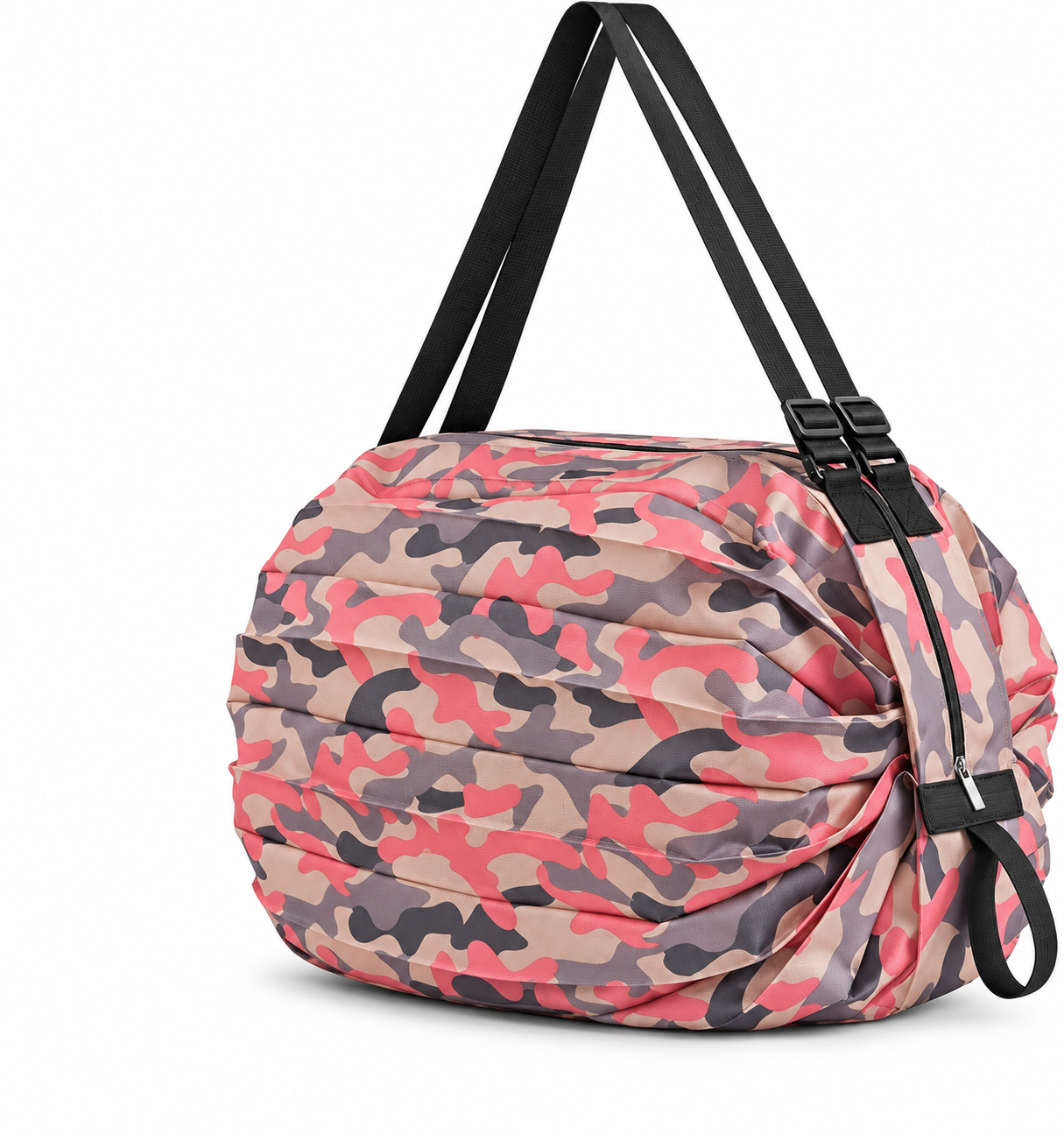
Accordion foldable bag
Bag body · Shoulder strap · Retaining band · Hardware
Start with this bag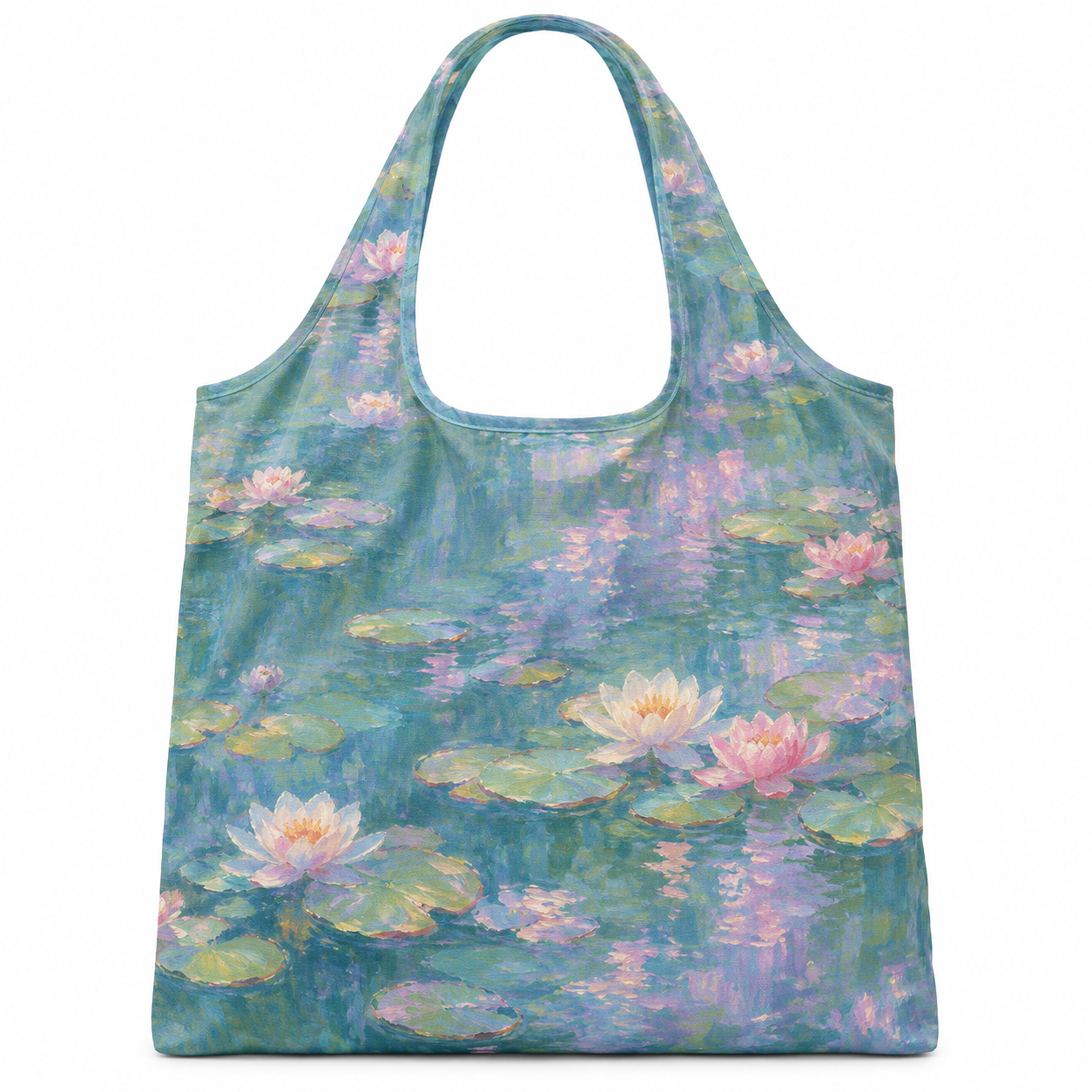
Art-print shopper
Bag body · Handles · Storage pouch
Start with this bag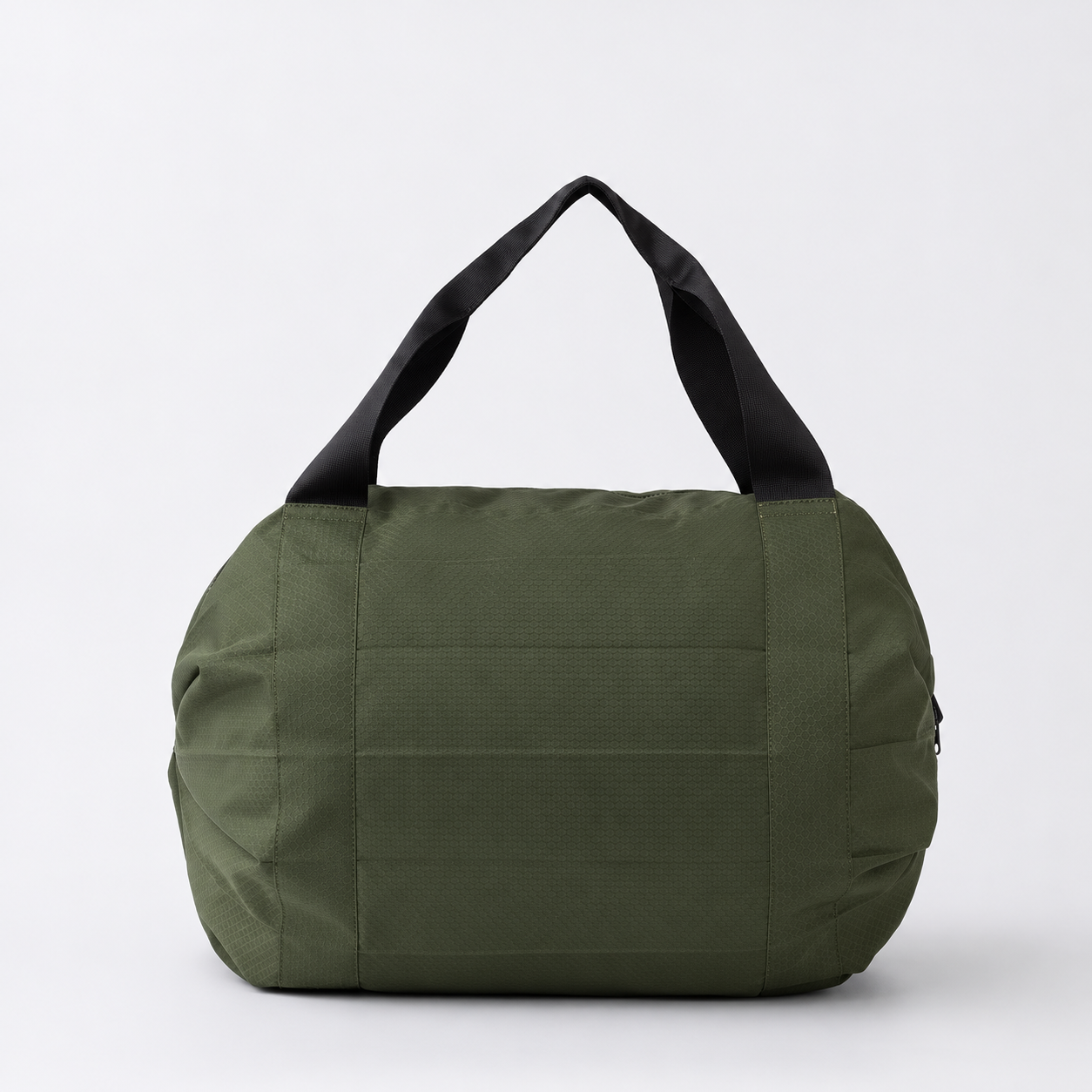
Packable travel bag
Bag body · Handles · Zipper · Retaining band
Start with this bagA mix of product photos and design concepts. Confirm the final style and colour with a sample.
03 / FROM IDEA TO SAMPLE
Bring the concept to life
Your assistant checks the proposal and prepares a brief for your image tool. Share the concept with us to confirm materials, print details and sampling.